Omni Pro
Operator Resources
Training Videos
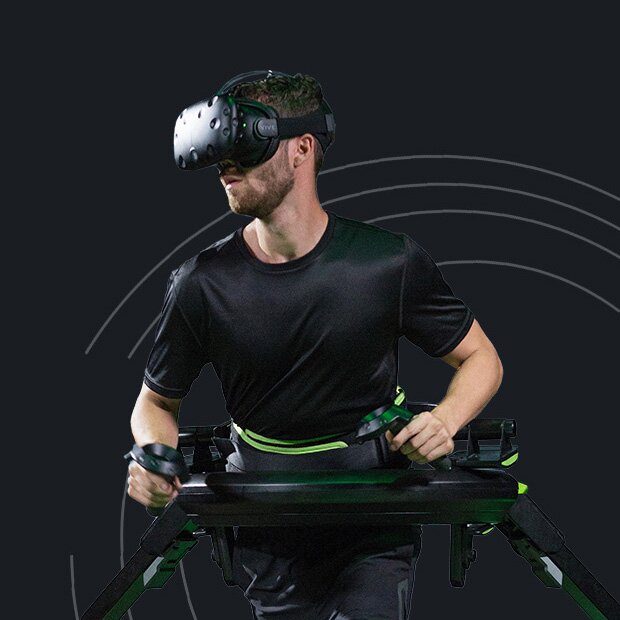
The most critical ingredient for a good experience on the Omni is getting used to the walking motion. Use the below videos to train your customers on how to walk properly on the Omni.
Vive Setup
It’s important that your Vive tracking base stations are set up properly to ensure flawless tracking of the player without hiccups or interference. Please watch the video below to ensure your tracking is set up correctly.
Omni Connect
Before you begin, download and install Omni Connect on your system. The Omni Connect application is required to operate your Omni. Additional information about Omni Connect and Omni Online is available in your Owner’s Manual.
Omni Calibration App
The Omni calibration application enables you to switch between the Omni’s default movement mode (move in the direction of your waist) and the Omni’s secondary “head-guided” movement mode (move in the direction of your HMD) in Omni games and applications. The application is required to calibrate your Omni using the HTC Vive headmounted display. If you own the Omni Controller Mount, this application will also automatically complete the Vive “Room Setup” calibration.
Omni Training Game
We created a brief training experience in VR that teaches new users how to walk on the Omni in less than a minute via an interactive VR game. Download this standalone Omni training game via the button below.

Games
Here are some games you can play with your Omni. Each game is compatible with HTC Vive and Vive Pro HMD. Be sure your PC meets the requirements found at the bottom of this page.


PC Requirements
Operating System
Windows 10
Processor
Intel i7-6700
Memory
16GB RAM
Graphics
NVIDIA Geforce RTX 2070
Hard Drive
1TB (SSD or HDD)
Marketing Assets
Marketing Assets
Below you'll find assets to promote Omni at your venue.
Operator Media Kit
To promote your business and events, we’ve prepared an Operator Media Kit that includes image files for social media or for printing physical signage. Instructions on editing the images with your own branding can be found within the download file.
Omni Product Pictures
Download images of the Omni and accessories, Omniverse, and our Virtuix Omni logo.
Omni Action Pictures
Please feel free to use our favorite action shots in your marketing materials and presentations.
Promotional Videos
Feel free to loop these videos at your entertainment venue to attract customers.
